The Most Important Online Privacy Habits for Users
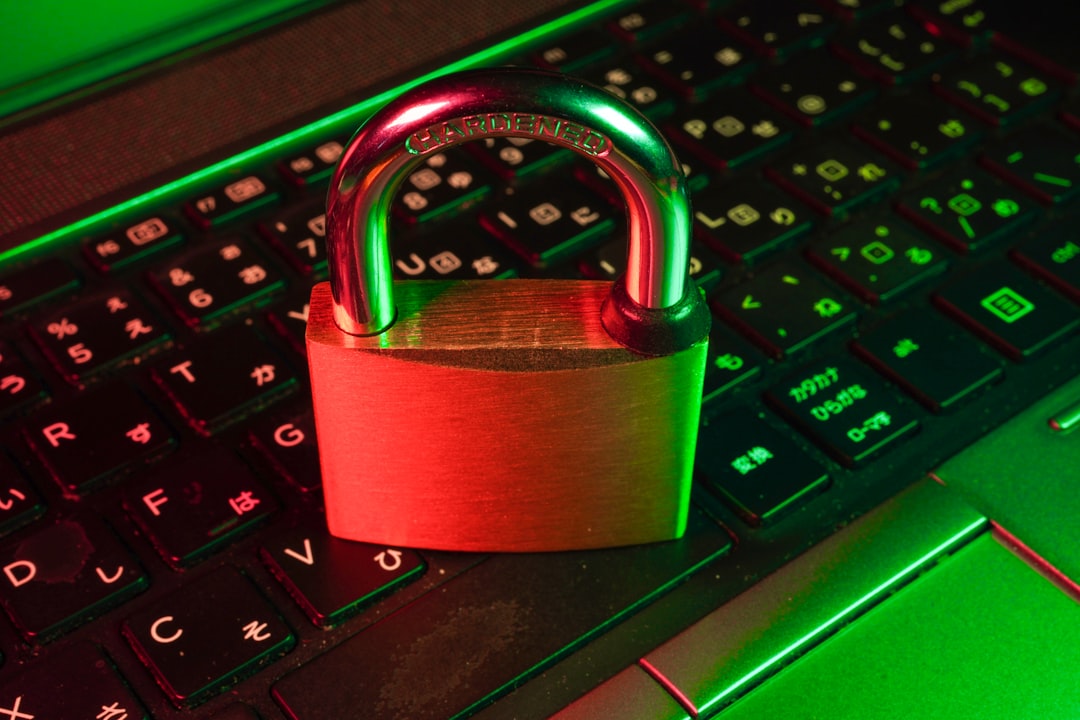
Your online privacy is under constant threat from trackers, data brokers, hackers, and even the platforms you trust. Every click, search, and login leaves a digital trail that can be exploited for profit or malicious purposes. Building strong privacy habits isn't about paranoia—it's about taking control of your personal information. In this post, you'll learn the essential daily practices that significantly reduce your digital footprint and protect your identity online.
Use a VPN for All Internet Connections
A Virtual Private Network (VPN) encrypts your internet traffic and masks your real IP address, making it harder for ISPs, advertisers, and third parties to track your online activities. Using a VPN should become second nature, especially on public Wi-Fi networks where hackers can easily intercept unencrypted data. Choose a reputable VPN provider with a strict no-logs policy and strong encryption protocols like OpenVPN or WireGuard. Enable your VPN before browsing, streaming, or accessing sensitive accounts.
Make VPN usage automatic by installing it on all devices—laptops, phones, tablets, and even routers. Many quality VPNs offer browser extensions for quick activation. Remember that free VPNs often sell your data to advertisers, defeating the purpose. Invest in a trusted paid service that prioritizes your privacy over profit.
Practice Browser Hygiene and Privacy Settings
Your browser is the gateway to your online life, and configuring it properly is crucial for privacy. Start by switching to privacy-focused browsers like Firefox, Brave, or Tor Browser instead of data-hungry options. Disable third-party cookies in your browser settings to prevent cross-site tracking. Clear your browsing history, cache, and cookies regularly—ideally after each session or at least weekly.
Install essential privacy extensions such as uBlock Origin for ad-blocking, Privacy Badger for tracker blocking, and HTTPS Everywhere to force encrypted connections. Enable "Do Not Track" requests and consider using container tabs or browser profiles to isolate different activities. Disable browser fingerprinting features by restricting JavaScript on untrusted sites and using fingerprint randomization tools when available.
| Privacy Habit | Protection Level | Difficulty | Time Investment |
|---|---|---|---|
| Using VPN daily | High | Easy | One-time setup |
| Privacy browser extensions | High | Easy | 5-10 minutes |
| Regular cookie clearing | Medium | Easy | Weekly 2 minutes |
| Strong unique passwords | Very High | Medium | One-time + maintenance |
| Multi-factor authentication | Very High | Easy | Per-account setup |
Implement Strong Password and Authentication Practices
Weak or reused passwords are responsible for the majority of account breaches. Never use the same password across multiple accounts—when one site gets hacked, all your accounts become vulnerable. Use a password manager like Bitwarden, 1Password, or KeePassXC to generate and store complex, unique passwords for every service. These tools autofill credentials securely and sync across devices.
Enable multi-factor authentication (MFA) on every account that supports it, prioritizing authenticator apps over SMS codes which can be intercepted. Consider using hardware security keys like YubiKey for your most sensitive accounts. Regularly audit your password manager for weak, old, or reused passwords and update them immediately.
Control Your Digital Footprint and Data Sharing
Minimize the personal information you share online. Review privacy settings on social media platforms monthly and restrict who can see your posts, friend lists, and personal details. Opt out of data broker sites that collect and sell your information by using services like DeleteMe or manually requesting removal. Avoid oversharing location data by disabling GPS when not needed and reviewing app location permissions.
Use disposable email addresses for sign-ups and newsletters through services like SimpleLogin or AnonAddy. This practice prevents your primary email from being sold to marketers and helps identify data breaches. Be skeptical of unnecessary data requests—if a service asks for information unrelated to its function, question whether you need that service at all.
Stay Updated and Educated on Privacy Threats
Privacy threats evolve constantly, so staying informed is a habit itself. Keep all software, browsers, and operating systems updated to patch security vulnerabilities that attackers exploit. Subscribe to privacy-focused newsletters or blogs to learn about emerging threats and new protective tools. Review your privacy tools quarterly to ensure they're still effective and properly configured.
Practice healthy skepticism toward phishing attempts by verifying sender addresses, avoiding suspicious links, and never entering credentials on unfamiliar sites. Educate family members about basic privacy practices to prevent them from inadvertently exposing shared information. Remember that privacy is an ongoing process, not a one-time fix.
Building strong online privacy habits requires initial effort but becomes automatic with practice. By consistently using a VPN, maintaining browser hygiene, implementing strong authentication, controlling your digital footprint, and staying educated, you dramatically reduce your exposure to privacy threats. Start implementing these habits today—your future self will thank you for the protection you've built.