How to Avoid Fake VPN and Proxy Applications
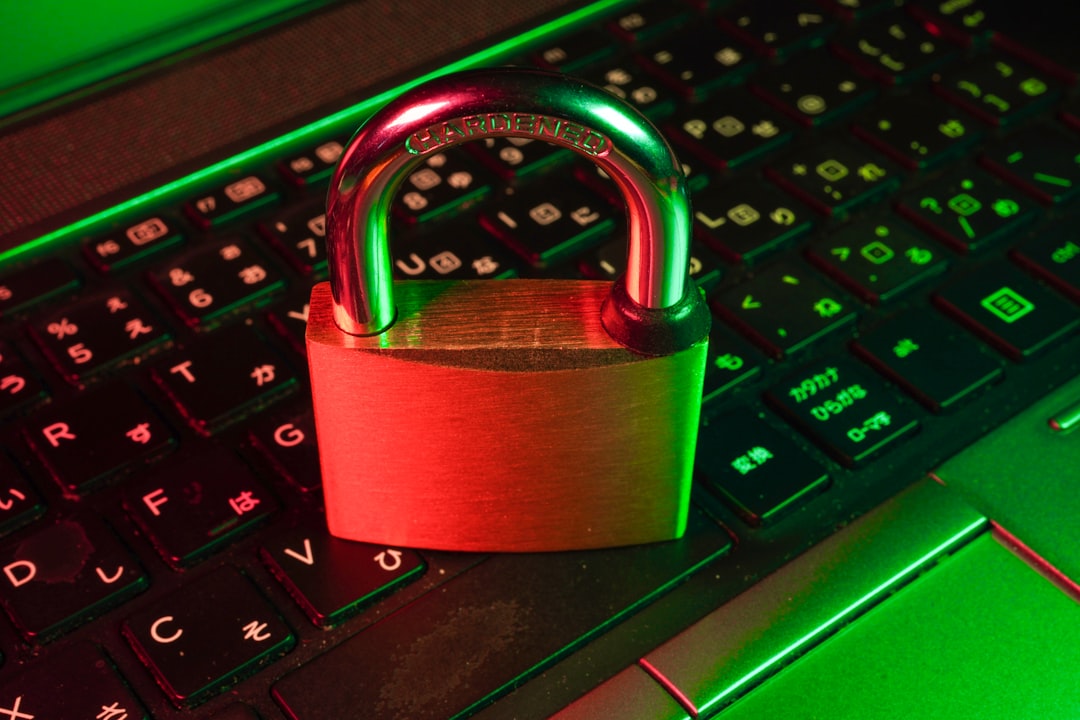
The app stores are flooded with VPN and proxy applications, but not all are legitimate. Fake privacy apps can steal your data, inject malware, or sell your browsing history to third parties—the exact opposite of their promised protection. With over 30% of top free VPN apps found to contain malware or tracking software, knowing how to identify fraudulent services is critical for anyone seeking online privacy. This guide reveals the warning signs of fake apps and provides practical steps to verify legitimate privacy tools before installation.
Red Flags That Signal a Fake VPN or Proxy App
Fake privacy applications share common characteristics that you can spot before installation. Unrealistic promises are the first warning sign—apps claiming "100% free unlimited VPN forever" or "military-grade encryption with no data collection" while monetizing solely through ads raise immediate concerns. Legitimate VPN services require infrastructure costs that free models cannot sustain without compromising user privacy.
Additional red flags include:
- Poor reviews and ratings: Check for generic five-star reviews posted on the same dates or one-star reviews mentioning data theft and malware
- Excessive permissions: Apps requesting access to contacts, SMS, or camera when only network access is needed
- Unknown developers: Companies with no web presence, physical address, or privacy policy
- Cloned branding: Apps mimicking established VPN brands with slightly altered names or logos
Verification Steps Before Installing Privacy Apps
Before downloading any VPN or proxy application, conduct thorough research beyond the app store listing. Verify the developer's identity by searching for their official website, checking domain registration age, and confirming the app is linked from their legitimate site. Established VPN providers maintain active social media presence, customer support channels, and transparent company information.
Follow this verification checklist:
- Search for independent reviews from reputable tech publications, not just app store ratings
- Read the complete privacy policy and terms of service—fake apps often have vague or plagiarized policies
- Check the developer's other apps and their reputation history
- Verify the app's permissions match its stated functionality
- Look for third-party security audits or certifications from recognized firms
Comparing Legitimate vs. Fake Privacy Applications
Understanding the key differences between authentic and fraudulent privacy tools helps you make informed decisions. The table below highlights critical distinctions that separate trustworthy services from potential threats:
| Feature | Legitimate VPN/Proxy | Fake Application |
|---|---|---|
| Business Model | Paid subscriptions or limited free tier | Completely free with excessive ads |
| Privacy Policy | Detailed, legally binding, audited | Vague or missing critical details |
| Permissions | Minimal, network-related only | Excessive, unrelated access requests |
| Company Transparency | Clear ownership, location, contact info | Anonymous or fake company details |
| User Reviews | Mixed, detailed feedback | Suspiciously perfect or terrible |
Trusted Alternatives and Best Practices
Stick to established VPN providers with proven track records, such as services that have undergone independent security audits and maintain transparent no-logs policies verified by third parties. Free options from reputable companies like ProtonVPN and Windscribe offer limited but legitimate free tiers without compromising security. For proxy needs, browser extensions from verified developers like FoxyProxy provide safer alternatives to standalone apps.
Best practices include downloading only from official websites when possible, enabling Google Play Protect or Apple's app review systems, and regularly auditing installed apps' permissions. Consider using antivirus software that scans apps for malicious behavior, and never grant VPN configuration permissions to apps from unknown sources. Remember that your privacy tool should protect you—not become the threat itself.
Protecting your online privacy starts with choosing trustworthy tools. By recognizing red flags, verifying developer credentials, and understanding the differences between legitimate and fake applications, you can avoid malicious software masquerading as privacy protection. Take time to research before installing any VPN or proxy app—your digital security depends on it. Start by auditing your currently installed privacy apps today and replace any suspicious ones with verified alternatives.