How Browser Profiles Help Separate Online Identities
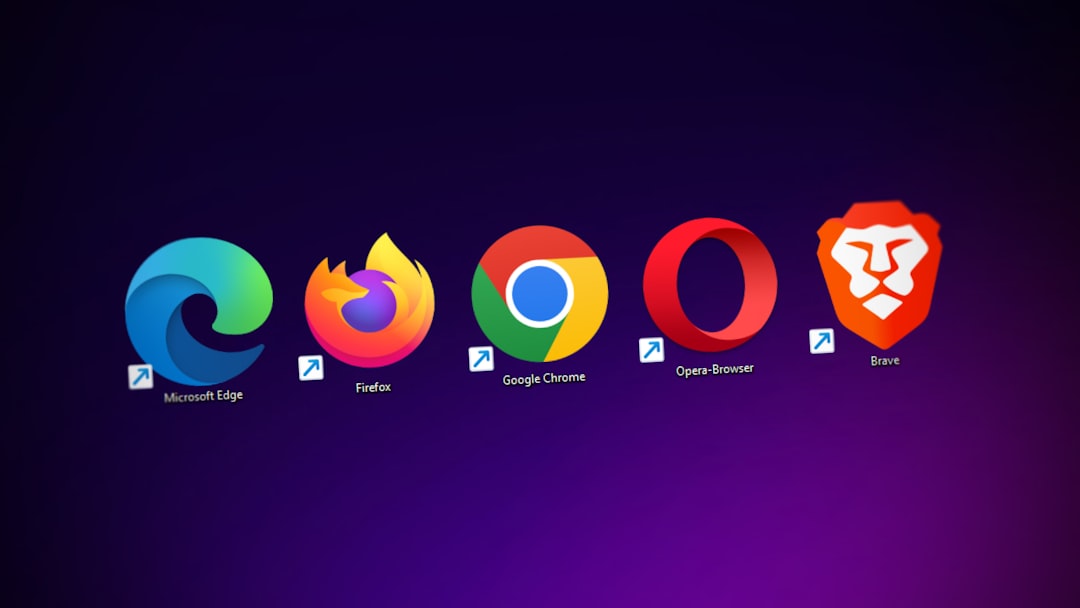
Managing multiple online identities can be challenging when you're juggling personal accounts, professional profiles, and client work simultaneously. Browser profiles offer a powerful solution by creating isolated environments within a single browser, each with separate cookies, cache, browsing history, and login sessions. This guide explains how browser profiles work, their privacy benefits, and practical strategies for keeping your digital lives completely separate.
What Are Browser Profiles and How Do They Work
Browser profiles are separate user environments within the same browser application. Each profile maintains its own independent data storage, including bookmarks, extensions, passwords, and browsing history. When you switch between profiles, you're essentially switching to a completely different browser instance with no data crossover.
Modern browsers like Chrome, Firefox, Edge, and Brave all support multiple profiles. Unlike private browsing mode, which only prevents local history storage, profiles create persistent isolated environments. This means your work Gmail won't auto-suggest when you're logged into your personal account, and your shopping preferences won't bleed across different online personas.
The technical implementation varies by browser, but all major platforms store profile data in separate directories on your system. This physical separation ensures that cookies, cache files, and stored credentials remain completely isolated from each other.
Key Privacy Benefits of Using Browser Profiles
Browser profiles provide several critical privacy advantages for users managing multiple online identities:
- Cookie isolation: Each profile maintains separate cookies, preventing tracking across accounts and reducing cross-site data correlation
- Login separation: Stay logged into different accounts simultaneously without session conflicts or accidental account mixing
- Fingerprint variation: Different profiles can have unique extensions and settings, creating distinct browser fingerprints for each identity
- Data compartmentalization: Sensitive work data never mingles with personal browsing, reducing breach impact if one profile is compromised
For digital marketers, remote workers, and privacy enthusiasts, this separation is invaluable. You can manage client social media accounts without risking cross-posting, test websites while logged into different user roles, or keep research activities separate from your main browsing patterns.
Browser Profile Comparison: Features and Limitations
| Browser | Profile Support | Easy Switching | Privacy Level |
|---|---|---|---|
| Chrome | Unlimited profiles | Icon-based menu | Medium |
| Firefox | Multi-Account Containers | Tab-level isolation | High |
| Edge | Unlimited profiles | Quick switcher | Medium |
| Brave | Unlimited profiles | Menu-based | High |
While all major browsers support profiles, Firefox's Multi-Account Containers offer the most granular control by isolating identities at the tab level rather than requiring complete profile switches. This makes it easier to manage multiple accounts simultaneously within a single browser window.
Setting Up and Managing Multiple Browser Profiles
Creating effective browser profiles requires thoughtful planning. Start by identifying your distinct online identities: personal, work, client accounts, testing environments, or privacy-focused browsing. For each identity, create a dedicated profile with appropriate naming conventions.
Best practices for profile management include:
- Use distinct visual themes or icons for each profile to prevent accidental mixing
- Install only necessary extensions in each profile to minimize fingerprinting surface area
- Configure different default search engines and homepage settings for each identity
- Set up separate password managers or vaults for each profile's credentials
- Consider pairing profiles with VPNs or proxies for additional IP-level separation
Remember that browser profiles alone don't change your IP address or prevent network-level tracking. For comprehensive identity separation, combine profiles with VPN services or proxy configurations specific to each profile's purpose.
Advanced Identity Isolation Techniques
Power users can enhance profile-based isolation by implementing additional layers of separation. Create operating system-level user accounts for truly sensitive identities, ensuring complete system isolation beyond just browser data. This prevents keyloggers or system-level malware from crossing profile boundaries.
Consider using specialized antidetect browsers designed specifically for managing multiple online identities. These tools offer advanced fingerprint randomization, automated proxy rotation, and granular control over browser parameters that standard profiles can't replicate.
For maximum privacy, combine browser profiles with virtual machines or containerization tools. This creates complete operating environment isolation, though it requires more technical expertise and system resources than simple profile switching.
Browser profiles represent an essential tool for anyone managing multiple online identities, offering practical isolation without requiring separate devices or complex technical setups. By implementing proper profile management strategies and combining them with complementary privacy tools, you can maintain clean separation between your digital personas while streamlining your workflow. Start by creating distinct profiles for your most important online identities today.