The Best Security Habits for Internet Users in 2026
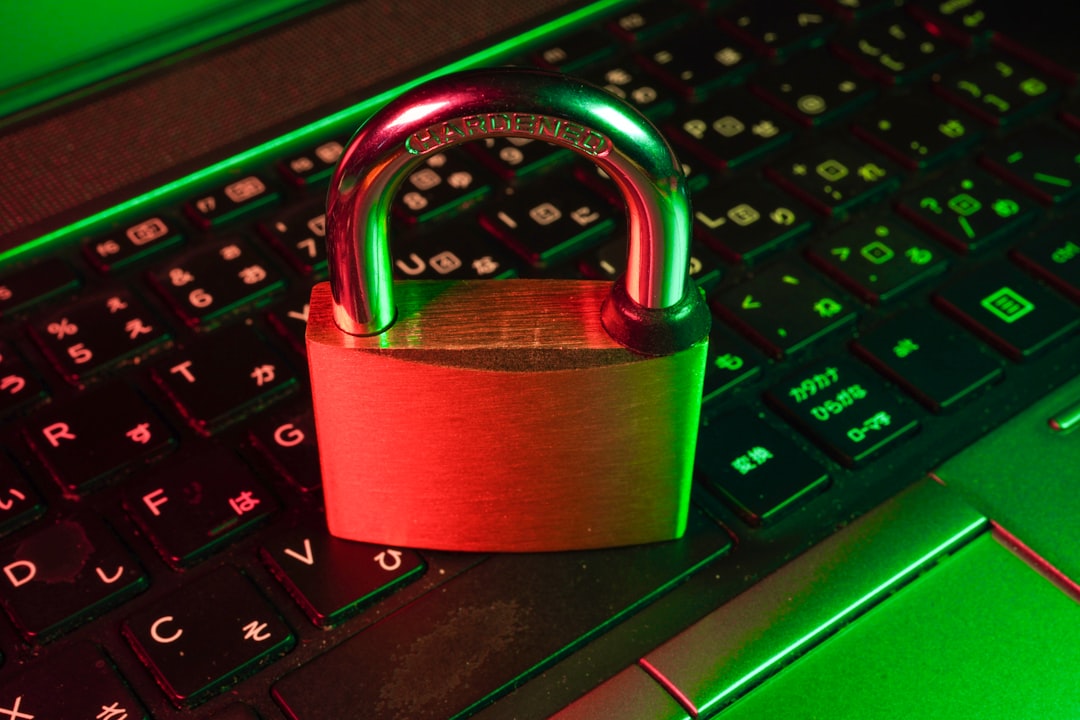
As cyber threats evolve and data breaches become more sophisticated, adopting robust security habits is no longer optional—it's essential. Whether you're managing multiple online accounts, working remotely, or simply browsing social media, your digital footprint exposes you to risks ranging from identity theft to surveillance. This guide covers the most critical security habits every internet user should implement in 2026 to protect their privacy, secure their data, and maintain control over their online presence.
Use a Trusted VPN for All Internet Connections
A Virtual Private Network (VPN) remains one of the most effective tools for protecting your online activity in 2026. VPNs encrypt your internet traffic and mask your IP address, making it significantly harder for ISPs, advertisers, and malicious actors to track your browsing habits. Always choose a reputable VPN provider with a strict no-logs policy and modern encryption protocols like WireGuard or OpenVPN.
Key VPN security habits include:
- Enable your VPN before connecting to any public Wi-Fi network
- Use kill switch features to prevent data leaks if the VPN connection drops
- Regularly update your VPN client software to patch security vulnerabilities
- Avoid free VPN services that may log and sell your browsing data
For remote workers and digital nomads, a VPN is non-negotiable. It protects sensitive work communications and prevents corporate data breaches when accessing company resources from untrusted networks.
Implement Strong Password Management Practices
Password security in 2026 goes far beyond using a mix of characters. With credential stuffing attacks and database breaches on the rise, your password strategy must be both unique and systematic. The golden rule: never reuse passwords across multiple accounts, and make each password at least 16 characters long with a random combination of letters, numbers, and symbols.
| Security Tool | Primary Function | Security Level | Best For |
|---|---|---|---|
| Password Manager | Generate & store passwords | Very High | All users |
| Hardware Security Key | Two-factor authentication | Maximum | High-value accounts |
| Biometric Authentication | Fingerprint/face unlock | High | Mobile devices |
| Authentication Apps | Time-based codes | High | 2FA implementation |
Use a dedicated password manager like Bitwarden, 1Password, or KeePassXC to generate and securely store unique passwords for every account. Enable two-factor authentication (2FA) wherever possible, preferably using authenticator apps or hardware security keys rather than SMS-based codes, which are vulnerable to SIM swapping attacks.
Practice Browser Privacy and Fingerprinting Protection
Browser fingerprinting has become a primary tracking method for advertisers and data brokers in 2026. Even without cookies, websites can identify you based on your browser configuration, installed fonts, screen resolution, and dozens of other data points. Combat this by using privacy-focused browsers like Brave, Firefox with strict tracking protection, or Tor Browser for sensitive activities.
Essential browser security habits:
- Install privacy extensions like uBlock Origin and Privacy Badger
- Regularly clear cookies, cache, and browsing history
- Disable third-party cookies in browser settings
- Use separate browser profiles or containers for different online identities
- Consider anti-fingerprinting tools that normalize your browser signature
For users managing multiple accounts or conducting competitive research, browser isolation tools provide compartmentalization that prevents cross-site tracking and maintains separate browsing sessions for different purposes.
Keep Software Updated and Use Multi-Layered Protection
Outdated software represents one of the most common attack vectors for cybercriminals. In 2026, enable automatic updates for your operating system, browsers, and all applications. Security patches often address critical vulnerabilities that hackers actively exploit within hours of public disclosure.
Beyond updates, implement a multi-layered security approach:
- Use reputable antivirus or endpoint protection software
- Enable firewall protection on all devices
- Back up important data regularly to encrypted cloud storage or external drives
- Review app permissions and revoke unnecessary access to your location, contacts, and files
- Be cautious with email attachments and links, even from known contacts
Mobile security deserves special attention—download apps only from official stores, review privacy policies before installation, and periodically audit which apps have access to sensitive data like your camera, microphone, and location services.
Conclusion: Security Is an Ongoing Practice
Implementing these security habits in 2026 significantly reduces your exposure to cyber threats and protects your digital privacy. Start with the fundamentals—VPN protection, strong passwords, and browser privacy—then build additional layers of security over time. Remember that cybersecurity isn't a one-time setup but an ongoing practice that requires vigilance, regular updates, and adaptation to new threats. Take control of your online security today and make privacy protection a permanent part of your digital routine.